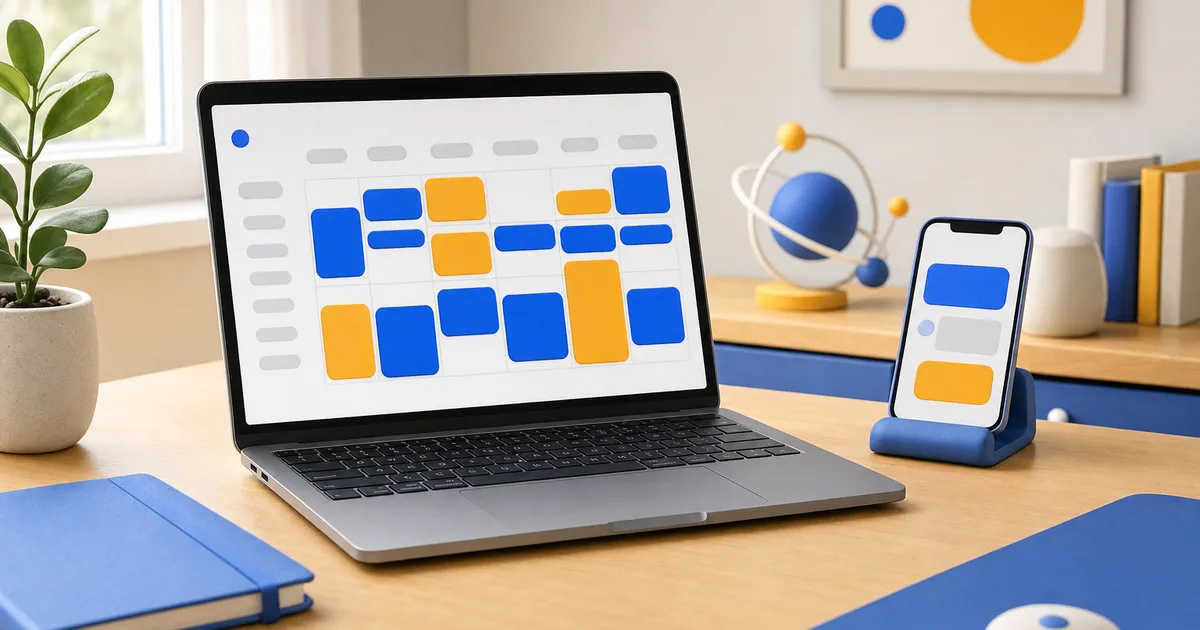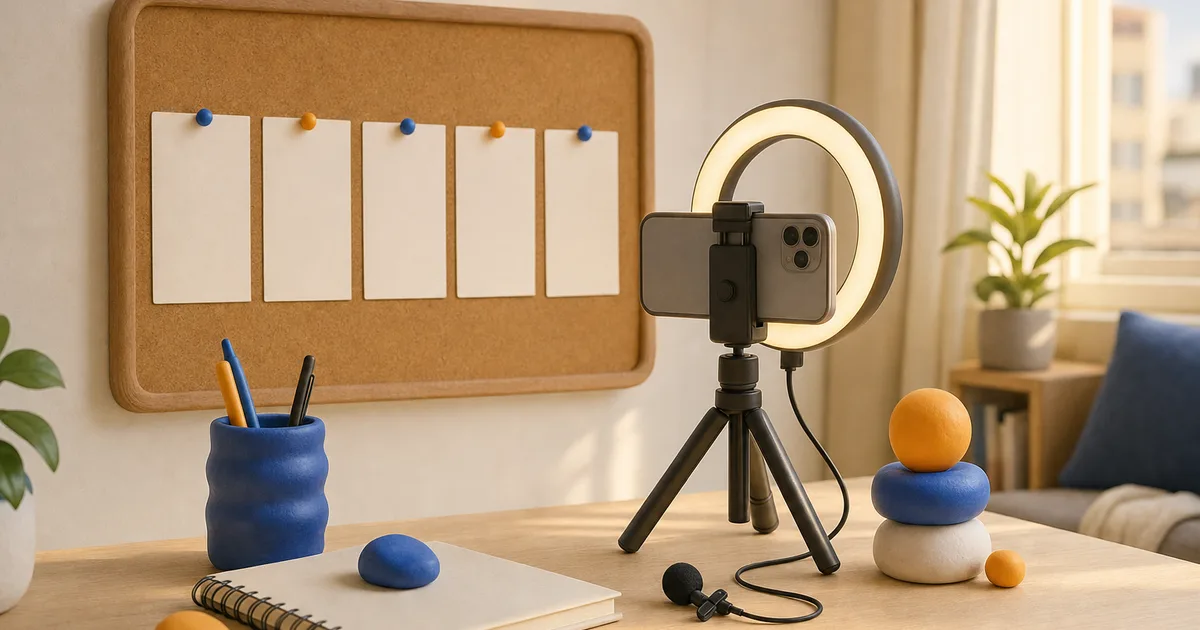
The simplest way to plan a week of Instagram Reels is to work in four batches: pick five topics from two or three content pillars, write a one line hook and a short outline for each, film all of them in one session, then edit and schedule them in a second session. The whole process takes about four to six hours a week, and it replaces the daily scramble of figuring out what to post. Once it becomes a routine, your posting pace stops depending on how inspired you feel on any given morning.
This guide walks through each step, gives you a planning template, and explains what to review at the end of the week so the next plan is better than the last.
How many Reels should you plan for one week?
Plan for the number you can finish well, then add one backup. For most solo creators and small businesses that means three to five Reels. If you have never batched before, start with three. A week of three strong Reels published on schedule is more useful than seven planned Reels of which four never get made.
The backup matters. It is a finished Reel you hold in reserve for the day something breaks: a shoot falls through, a client calls, or a planned video turns out weaker than you hoped. Over a month, one backup per week is often what keeps the streak intact.
How do you choose topics for a week of Reels?
Start with content pillars, which are the two or three subjects your account is known for. A personal trainer might use workouts, nutrition and mindset. A bakery might use behind the scenes, product spotlights and customer moments. Each Reel in your week should fit one pillar, and the week should include at least two of them so your feed does not feel repetitive.
Good sources for specific topics:
- Questions from comments and DMs. If one person asked, many more are wondering.
- Your best posts from the last 90 days. A topic that worked once usually works again with a new angle.
- Your own week. Something you did, learned or fixed in your work is often the most original material you have.
- Trends that fit. Use a trending audio or format only if it suits a pillar. A trend that does not connect to your topic brings views that do not turn into followers.
How do you write a hook and outline quickly?
Give each Reel one line for the hook and three to five lines for the body. That is enough to film without a full script.
The hook is the first one to two seconds. It should state the result, the problem or the surprise directly. Compare "Hey guys, today I want to talk about meal prep" with "This is five lunches for under twenty dollars." The second one gives the viewer a reason to stay before they can scroll away.
For the body, use a simple sequence: show the setup, show the steps or the moment, show the result. End with a reason to act, such as a question for the comments or a suggestion to save the Reel for later. Keep it short. Many strong Reels land between 15 and 45 seconds, though a tutorial can run longer if every second earns its place.
| Day | Pillar | Hook | Outline | Status |
|---|---|---|---|---|
| Mon | How to | Planned | ||
| Wed | Behind the scenes | Filmed | ||
| Fri | Results | Scheduled | ||
| Backup | Any | Ready |
How do you film a week of Reels in one session?
Set aside one block of two to three hours. Before you start, prepare everything that would otherwise interrupt you: charged phone, clean lens, good light, a basic microphone if you speak to the camera, and any props or products.
- Group by setting. Film every clip that happens at your desk, then everything in the kitchen, then everything outside. Moving the setup less saves more time than anything else.
- Film the hook three ways. Different wording or a different first shot. You will pick the best one when editing.
- Change clothes or angles between Reels. Small changes keep a batch from looking like it was filmed in one afternoon, even when it was.
- Grab extra B roll. A few seconds of hands working, the product, or the space around you will fill gaps in several edits.
If you speak on camera, record in short takes. Clean takes of one sentence each are easier to edit than long monologues.
How do you edit and schedule efficiently?
Edit in a second session, ideally on a different day, so you see the footage with fresh eyes. Cut every pause, keep text on screen short and readable, and add captions, since many people watch with the sound off. Choose a cover frame that looks good on your profile grid.
Then schedule. Instagram lets you schedule Reels in the app under Advanced settings before you share, which keeps in-app audio and effects available. Meta Business Suite works well when your Reels are fully edited elsewhere and you want to see the whole week on a calendar. Space the Reels across the week at the windows where your audience is most active, based on Most active times in Insights.
Write captions during this session as well. A good caption adds context the video could not fit and ends with a simple question or prompt. Keep hashtags to a handful of accurate ones.
What should you review at the end of the week?
On Sunday, spend 20 minutes with Insights before you plan the next week. For each Reel, look at:
- Accounts reached, split between followers and non-followers.
- Average watch time and how it compares to the Reel's length.
- Shares and saves, which show whether people found it worth passing on or keeping.
- Follows from the Reel, the clearest sign that it brought new people into orbit.
Pick the best performer and ask why. Was it the hook, the topic or the format? Plan one Reel next week that repeats that element with a new subject. Pick the weakest and identify the most likely reason. Over a few weeks, these small corrections add up to a clear picture of what your audience wants.
How do you keep the routine going for months?
A routine survives when it has a fixed slot in your week. Put the planning, filming and editing sessions on your calendar like appointments. Keep a running idea list on your phone so topic selection takes ten minutes instead of an hour. And be honest about pace. If five Reels a week starts to feel heavy, drop to four and protect the quality. A steady trajectory over six months beats a fast start that stalls in week five.
New accounts sometimes add a starter base of Instagram followers so their first planned weeks of Reels land on a profile that looks established to visitors. If you go that route, delivery runs in stages and you can follow it on the order tracker, while your weekly plan does the work of keeping people interested.
Frequently asked questions
How long should an Instagram Reel be?
Long enough to deliver the idea and no longer. Many perform well between 15 and 45 seconds, but watch time matters more than length.
Can I post the same Reel on TikTok?
Yes, as long as you upload a clean export from your editor without another platform's watermark, which can limit recommendations on Instagram.
Do I need a camera or is a phone enough?
A recent phone is enough for most accounts. Good light and clear audio make a bigger difference than a new camera.
Should I always use trending audio?
No. Trending audio can help discovery when it fits, but the content is what keeps viewers watching.
What if one Reel does very well and the rest of the week does not?
Use the strong Reel as a clue. Make a follow up, answer its comments in new videos, and test the same hook on another topic next week.
How far ahead should I plan Reels?
One week ahead with a rough list for the following week is a comfortable balance between preparation and flexibility.